<?xml version="1.0" encoding="utf-8"?><feed xmlns="http://www.w3.org/2005/Atom" ><generator uri="https://jekyllrb.com/" version="4.4.1">Jekyll</generator><link href="/feed.xml" rel="self" type="application/atom+xml" /><link href="/" rel="alternate" type="text/html" /><updated>2025-11-08T21:56:42+00:00</updated><id>/feed.xml</id><title type="html">Jurax Games</title><subtitle>Game Developer - Creator of ROGUE-FP and other indie games</subtitle><author><name>Jurax Games</name></author><entry><title type="html">Testing Default Configuration - ROGUE-FP Combat Update</title><link href="/blog/2025/10/06/test-defaults-combat-update/" rel="alternate" type="text/html" title="Testing Default Configuration - ROGUE-FP Combat Update" /><published>2025-10-06T22:30:00+00:00</published><updated>2025-10-06T22:30:00+00:00</updated><id>/blog/2025/10/06/test-defaults-combat-update</id><content type="html" xml:base="/blog/2025/10/06/test-defaults-combat-update/"><![CDATA[<p>This is a test blog post to verify that our simplified template system is working correctly. The defaults should automatically apply:</p>

<ul>
  <li>Layout: single</li>
  <li>Author profile: enabled</li>
  <li>Professional header styling</li>
  <li>Categories: development, updates</li>
  <li>Tags: rogue-fp, game-development</li>
</ul>

<h2 id="new-combat-features">New Combat Features</h2>

<p>We’ve been working on some exciting improvements to ROGUE-FP’s combat system:</p>

<h3 id="enhanced-feedback">Enhanced Feedback</h3>
<ul>
  <li>Visual impact effects when attacks connect</li>
  <li>Audio cues for different damage types</li>
  <li>Screen shake effects for powerful attacks</li>
</ul>

<h3 id="tactical-improvements">Tactical Improvements</h3>
<ul>
  <li>New weapon types with unique mechanics</li>
  <li>Environmental interaction during combat</li>
  <li>Improved AI behavior patterns</li>
</ul>

<h2 id="development-progress">Development Progress</h2>

<p>The update is currently in testing phase. We’re focusing on:</p>

<ol>
  <li><strong>Balance Testing</strong> - Ensuring new features don’t break game progression</li>
  <li><strong>Performance Optimization</strong> - Maintaining smooth gameplay</li>
  <li><strong>Community Feedback</strong> - Incorporating player suggestions</li>
</ol>

<h2 id="screenshots">Screenshots</h2>

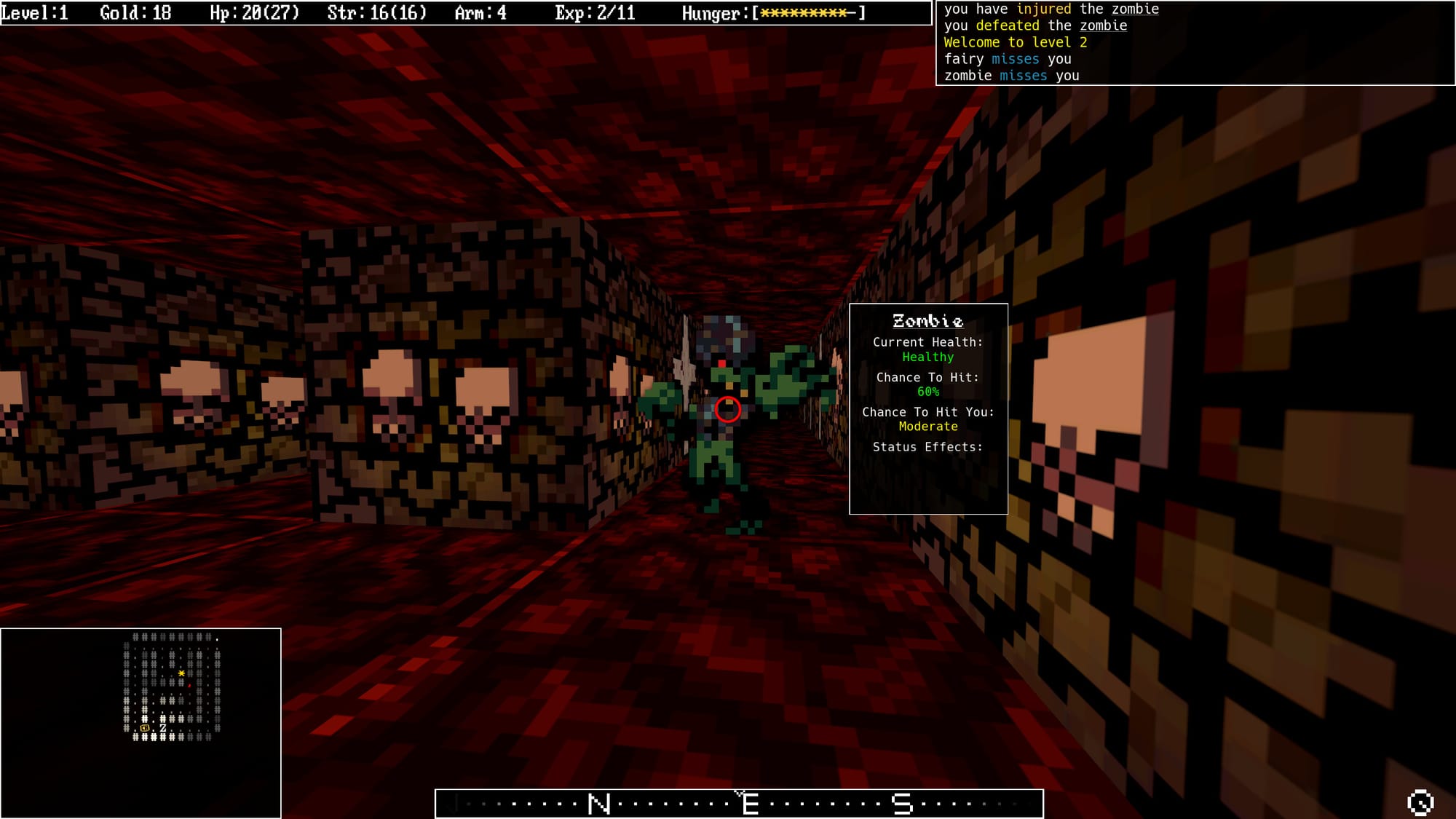
<p><img src="/assets/images/screenshots/Screenshot_20250208_180558-1.jpg" alt="Combat Screenshot" />
<em>New combat effects in action</em></p>

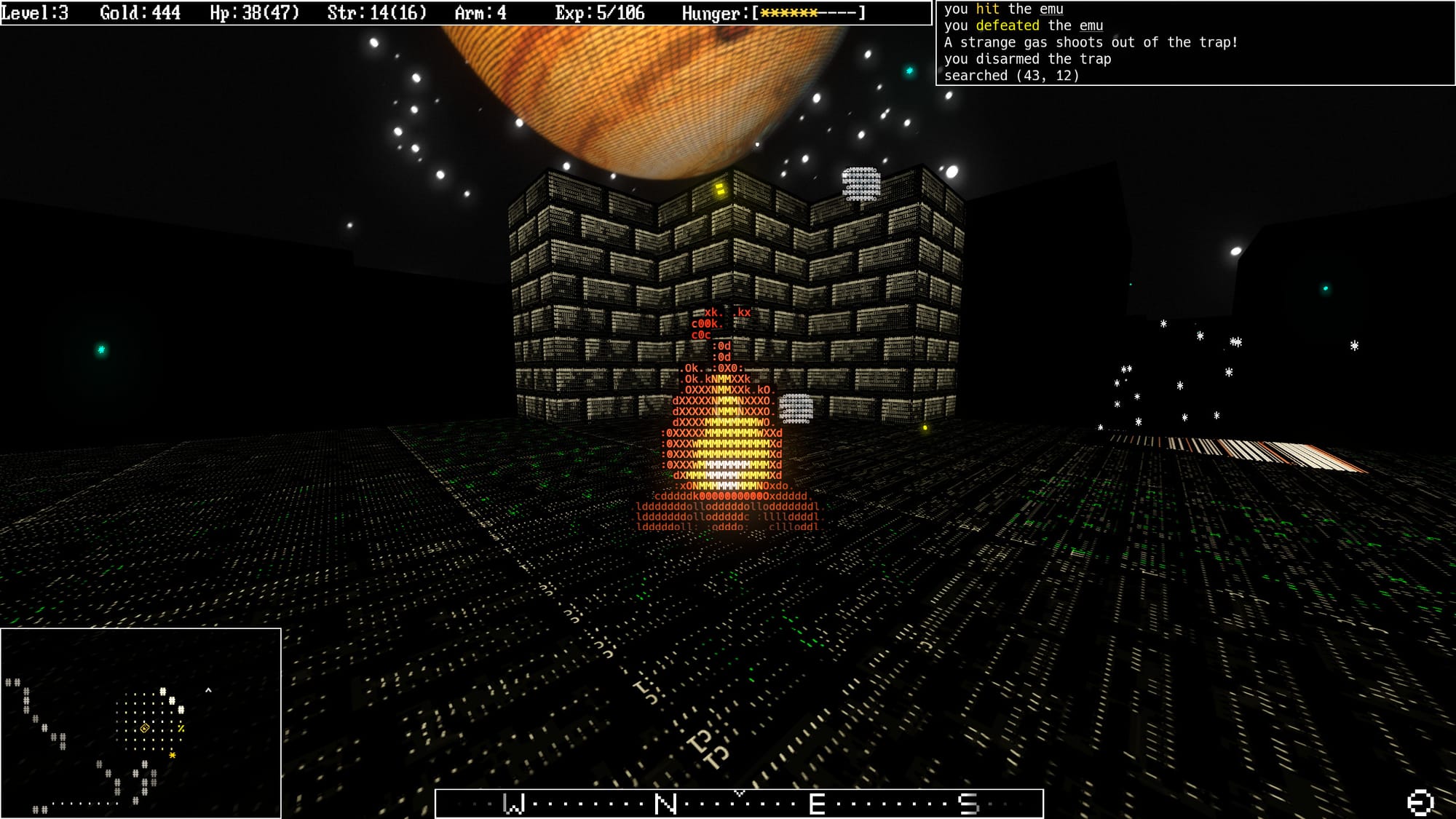
<p><img src="/assets/images/screenshots/Screenshot_20250208_181339-1.jpg" alt="Inventory Screen" />
<em>Updated inventory interface</em></p>

<p>This test post should automatically inherit all the professional styling and configuration from our <code class="language-plaintext highlighter-rouge">_config.yml</code> defaults, making content creation much faster and more consistent.</p>

<hr />

<p><em>What do you think of these combat improvements? Let us know on <a href="https://x.com/JuraxGames">Twitter/X</a> or <a href="https://store.steampowered.com/app/2343160/ROGUEFP/">Steam</a>!</em></p>]]></content><author><name>Jurax Games</name></author><category term="development" /><category term="updates" /><category term="rogue-fp" /><category term="game-development" /><summary type="html"><![CDATA[Testing if the simplified blog post template works with automatic defaults from config]]></summary></entry><entry><title type="html">Welcome to Jekyll!</title><link href="/blog/2025/10/04/welcome-to-jekyll/" rel="alternate" type="text/html" title="Welcome to Jekyll!" /><published>2025-10-04T04:20:05+00:00</published><updated>2025-10-04T04:20:05+00:00</updated><id>/blog/2025/10/04/welcome-to-jekyll</id><content type="html" xml:base="/blog/2025/10/04/welcome-to-jekyll/"><![CDATA[<p>You’ll find this post in your <code class="language-plaintext highlighter-rouge">_posts</code> directory. Go ahead and edit it and re-build the site to see your changes. You can rebuild the site in many different ways, but the most common way is to run <code class="language-plaintext highlighter-rouge">jekyll serve</code>, which launches a web server and auto-regenerates your site when a file is updated.</p>

<p>Jekyll requires blog post files to be named according to the following format:</p>

<p><code class="language-plaintext highlighter-rouge">YEAR-MONTH-DAY-title.MARKUP</code></p>

<p>Where <code class="language-plaintext highlighter-rouge">YEAR</code> is a four-digit number, <code class="language-plaintext highlighter-rouge">MONTH</code> and <code class="language-plaintext highlighter-rouge">DAY</code> are both two-digit numbers, and <code class="language-plaintext highlighter-rouge">MARKUP</code> is the file extension representing the format used in the file. After that, include the necessary front matter. Take a look at the source for this post to get an idea about how it works.</p>

<p>Jekyll also offers powerful support for code snippets:</p>

<figure class="highlight"><pre><code class="language-ruby" data-lang="ruby"><span class="k">def</span> <span class="nf">print_hi</span><span class="p">(</span><span class="nb">name</span><span class="p">)</span>
  <span class="nb">puts</span> <span class="s2">"Hi, </span><span class="si">#{</span><span class="nb">name</span><span class="si">}</span><span class="s2">"</span>
<span class="k">end</span>
<span class="n">print_hi</span><span class="p">(</span><span class="s1">'Tom'</span><span class="p">)</span>
<span class="c1">#=&gt; prints 'Hi, Tom' to STDOUT.</span></code></pre></figure>

<p>Check out the <a href="https://jekyllrb.com/docs/home">Jekyll docs</a> for more info on how to get the most out of Jekyll. File all bugs/feature requests at <a href="https://github.com/jekyll/jekyll">Jekyll’s GitHub repo</a>. If you have questions, you can ask them on <a href="https://talk.jekyllrb.com/">Jekyll Talk</a>.</p>]]></content><author><name>Jurax Games</name></author><category term="development" /><category term="updates" /><category term="website" /><category term="jekyll" /><category term="blogging" /><category term="web-development" /><category term="setup" /><category term="static-site" /><category term="minimal-mistakes" /><category term="getting-started" /><summary type="html"><![CDATA[Introduction to Jekyll blogging platform and how to get started with creating posts]]></summary></entry></feed>